IDA Linux Local Debugging
You may either start a local debugging session on a new process or start a local debugging session and attach it to an existing process. Both options are accessible through the command line.
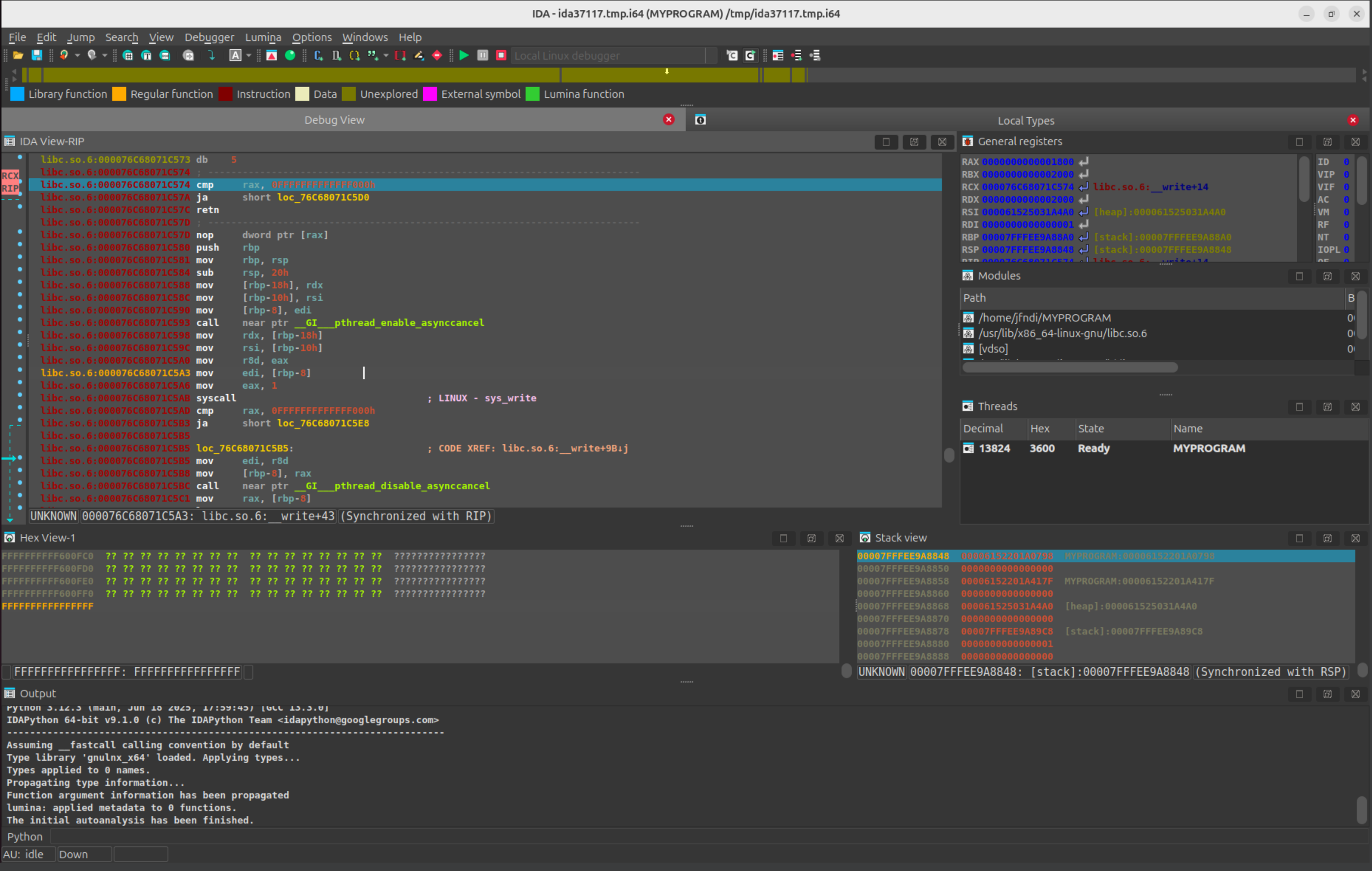
ida -rlinux MY_PROGRAM
will start the program, create a temporary database that allows the user to work with the target at once.
The command
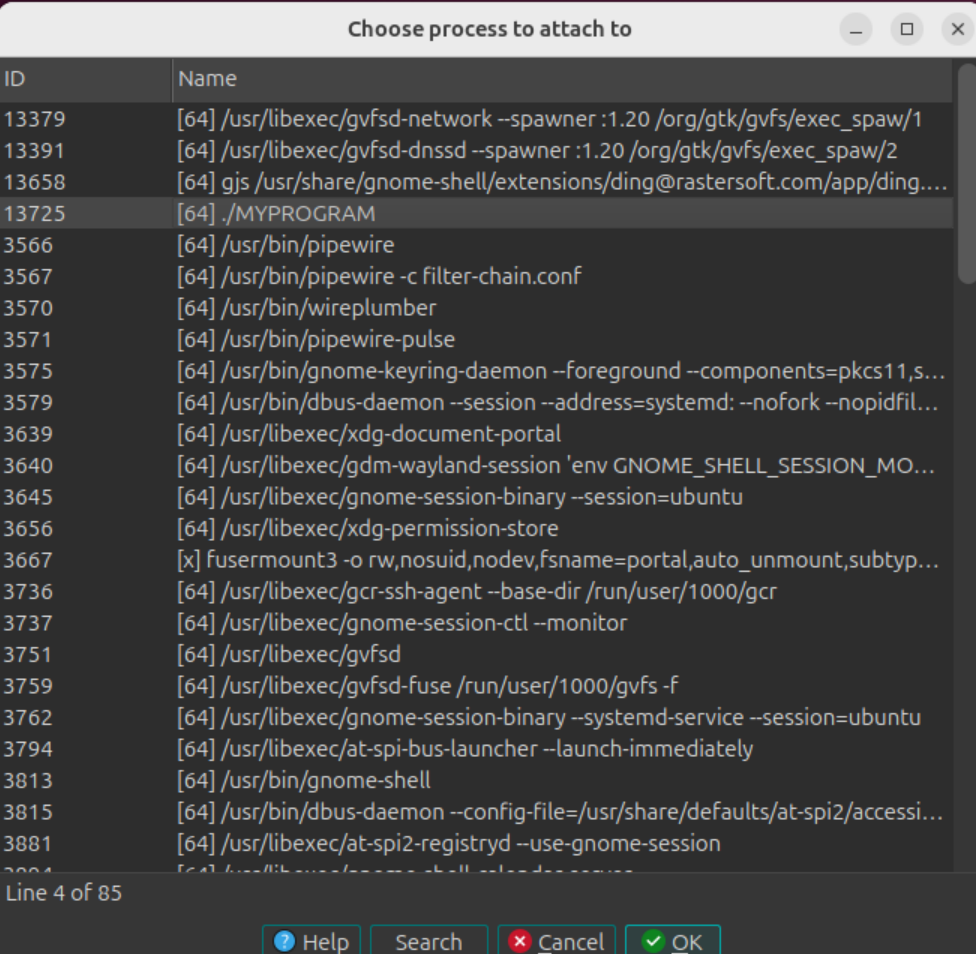
ida -rlinux+
will offer you a choice of running processes to connect to.
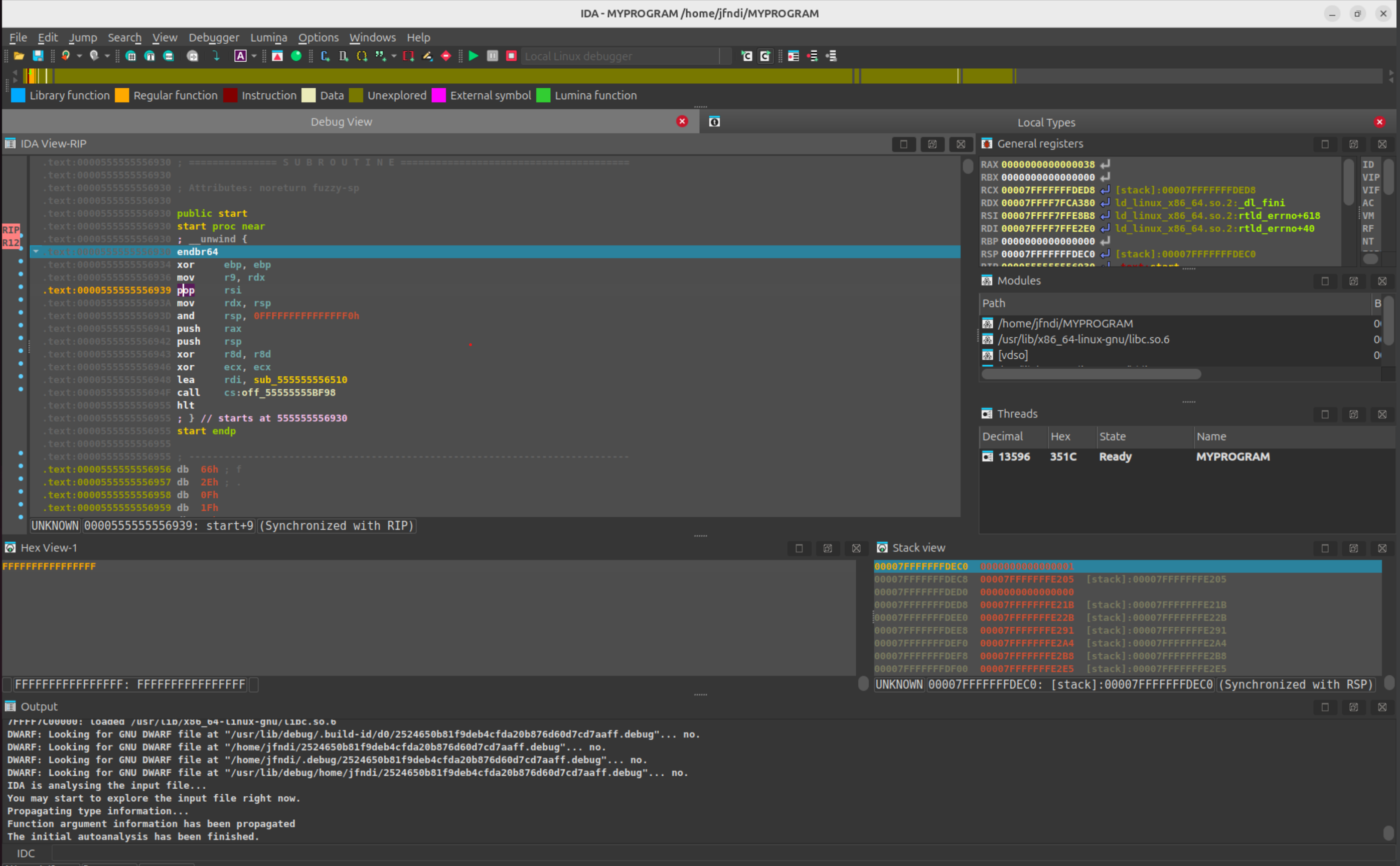
and we can proceed with our local Linux debugging session.